
AI MECHANIC · iOS
NesiVar? — Your car's AI mechanic, always in your pocket
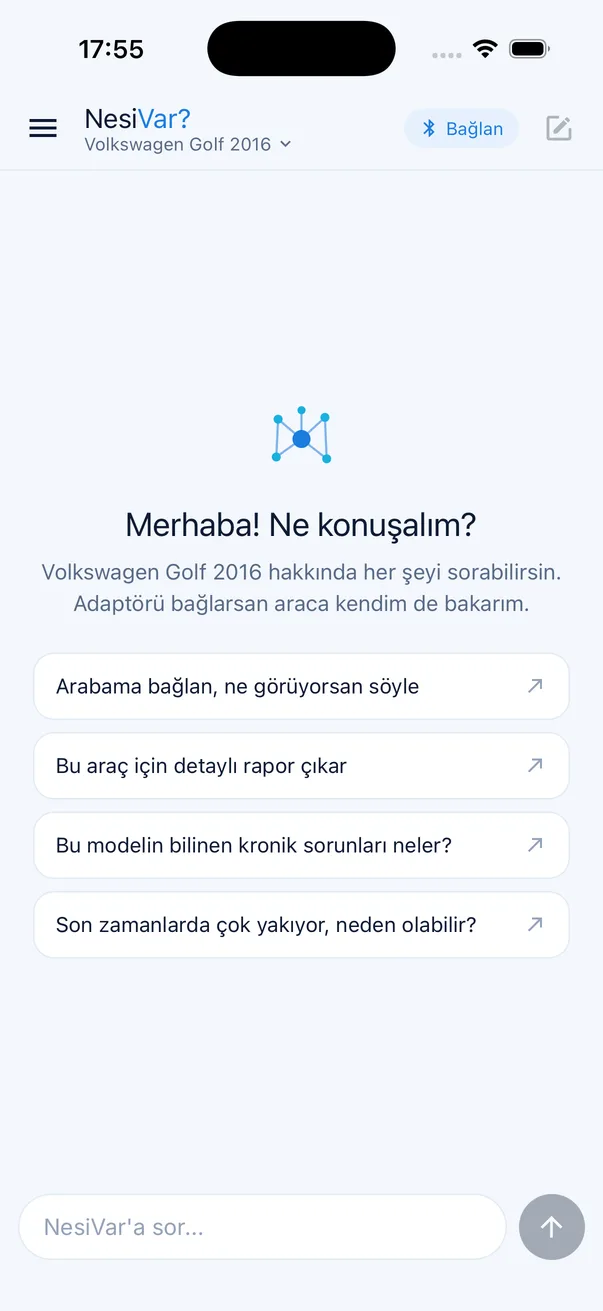
NesiVar? is an AI chat app where you can ask anything about your car. A strange noise, a warning light, rising fuel consumption, a service interval, or a used car you're about to buy… It listens like a mechanic, connects to your car through an OBD-II adapter to read fault codes and live data when needed, researches up-to-date information on the web, and tells you what to do in plain language.
What is NesiVar?
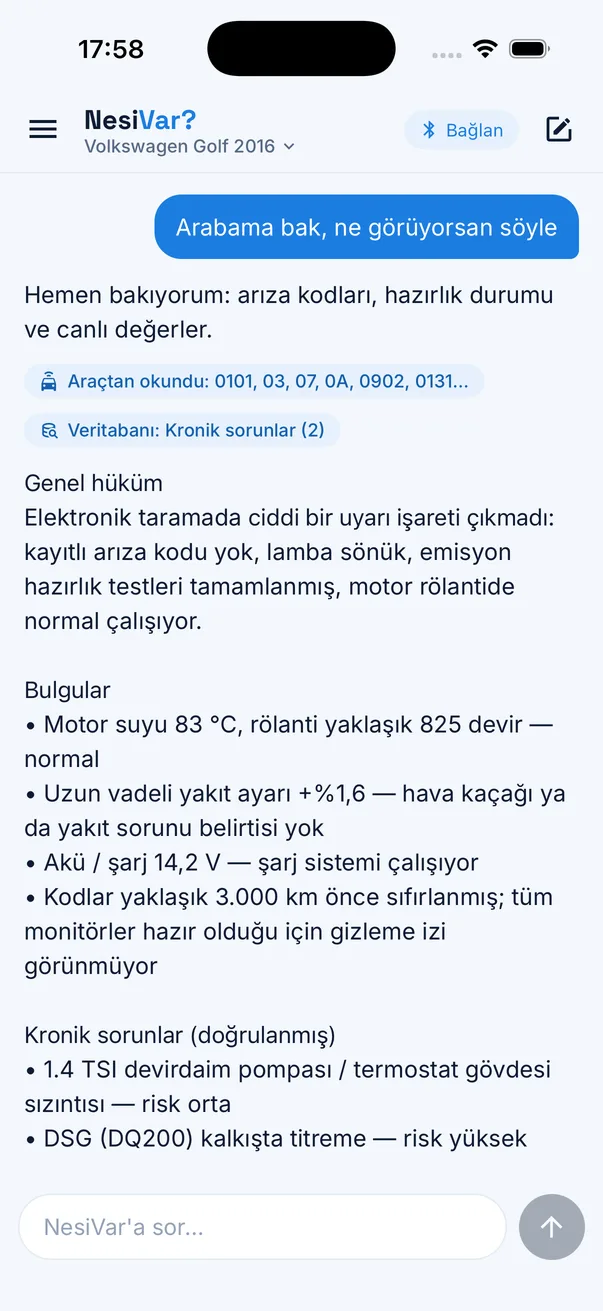
NesiVar? is an AI assistant that knows your car. Tell it the make, model, year and engine once; from then on every answer is about your car. Describe a symptom and it walks through the likely causes in order of importance, asking follow-up questions when needed. With an adapter plugged in, it reads fault codes, coolant temperature, fuel trims and battery voltage straight from the car's ECU during the conversation and interprets the real data. For anything that needs to be current (recalls, part prices, owner experiences) it searches the web and shows its sources.
How does it work?
- 01Add your carEnter the make, model, year and engine once; NesiVar? now talks about your car.
- 02Describe the problemFor example, "It's hard to start when cold", "The check engine light is on" or "Should I buy this car?"
- 03Optionally connect the adapterWith an OBD-II adapter plugged in, NesiVar? reads fault codes and live data right inside the chat.
- 04Get a clear answerLikely causes, risk level, what to do next and what to ask the workshop. Share it as a PDF if you like.
What can NesiVar? do?
No adapter? No problem.
NesiVar? is a full chat assistant without an adapter: describe the symptoms and it answers with knowledge specific to your car and current sources from the web. The adapter comes in when you want the answer to include your car's own data — just say "check my car" in the chat.
Who is it for?
- Drivers with a car problem who want to understand it before going to a workshop.
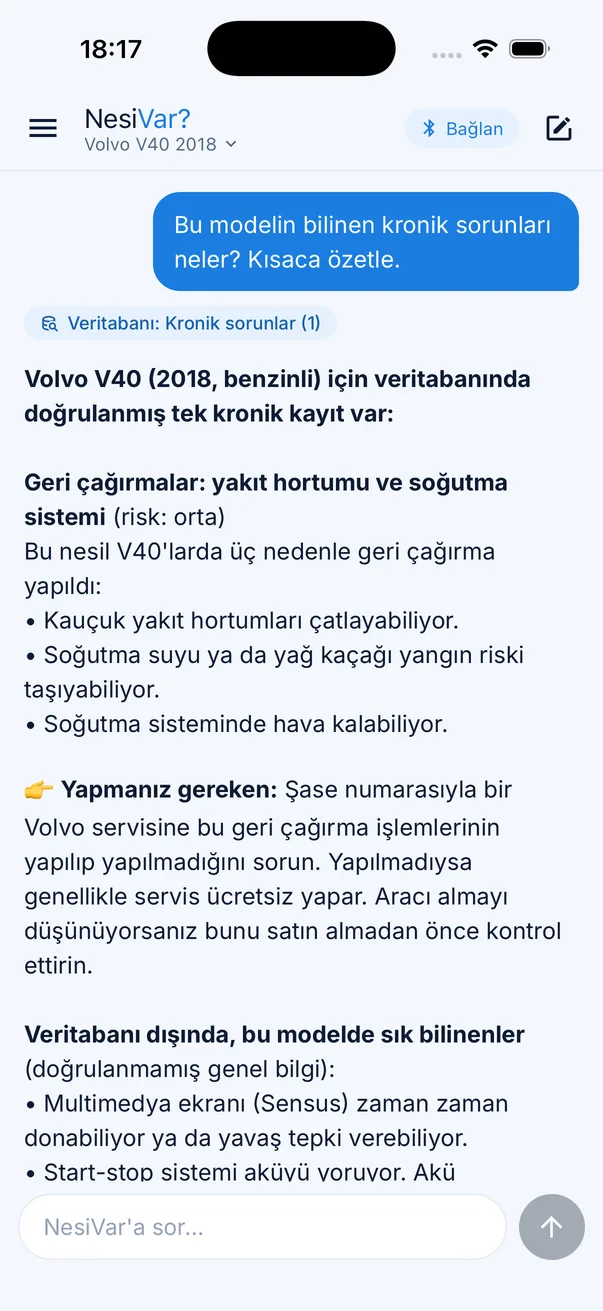
- People buying a used car who want to know its known issues and what to check.
- Owners who want to talk to the workshop about maintenance, parts and costs with confidence.
Why NesiVar?
- Plain language, conversational; no drowning in jargon, explanations when you need them.
- Data, not guesses: with an adapter it looks at your car's own codes and sensors.
- Up to date: researches the web and cites sources.
- Specific to your car: every answer is based on your saved make, model and engine.
Requirements
- An iPhone and an internet connection.
- Optional: a Vgate iCar Pro V2.1 BLE OBD-II adapter (to read your car's data).
- For adapter use, an OBD-II / SAE J1979 compatible vehicle (generally 2004 and newer).
Frequently asked questions
What is NesiVar?
NesiVar? is an AI chat app where you can ask anything about your car. It knows your car, reads fault codes and live data over an OBD-II adapter when needed, researches current information on the web and answers in plain language.
How does NesiVar? work?
Enter your car's make, model, year and engine once, then type your problem or question. NesiVar? explains the likely causes and what to do. With an adapter connected, it reads the car's fault codes and sensor data inside the chat and factors them into the answer.
Is NesiVar? free?
The app is free to download and your first 5 messages are free. After that there is a NesiVar? Pro subscription with weekly, monthly and yearly options; the first subscription comes with a 3-day free trial. You can cancel any time from your App Store account. To keep the service smooth for everyone, usage is subject to fair-use limits over set time windows.
Do I need an OBD-II adapter?
No. NesiVar? works without an adapter; you get answers by describing the symptoms. To read your car's real data (fault codes, coolant temperature, fuel trims, battery voltage and more) you need a Vgate iCar Pro V2.1 BLE OBD-II adapter and an OBD-II compatible vehicle (generally 2004 and newer).
Does NesiVar? search the internet?
Yes. For topics that need to be current (recalls, chronic issues, part information, owner experiences) it searches the web and shows sources in its answer.
Can I use it when buying a used car?
Yes. Just enter the make, model, year and engine of the car you're considering; NesiVar? explains the known chronic issues, what to ask the seller and what to check on a test drive. With an adapter it can also read the car and give a detailed assessment.
How is my data protected?
Your account, conversation and vehicle data are stored to provide the service and are deleted when you delete your account. Your card details never reach us; payments are handled by Apple. See the privacy policy for details.
Does NesiVar? replace a workshop or professional inspection?
No. NesiVar? is for information and guidance; it does not replace a professional workshop, inspection or mechanical examination. For safety-related issues and final decisions, consult a qualified expert.
Who made NesiVar?
NesiVar? is developed by RussellCode, a software studio that builds AI-native products.
Important note
NesiVar? is an AI assistant and can make mistakes. Its answers are for information and guidance; they do not replace a professional workshop, inspection or mechanical examination. For safety-related issues and final decisions, consulting a qualified expert is recommended.